
Address and block
See the best available current address or roadway reference without opening a separate mapping workflow.
Field-ready location awareness
Your location, without the guesswork.
FieldNorth turns a GPS fix into useful, readable context—your road, nearest validated cross street, supported highway milepost, and coordinates—without making you dig through Maps.
Built for first responders. Useful wherever location context matters.
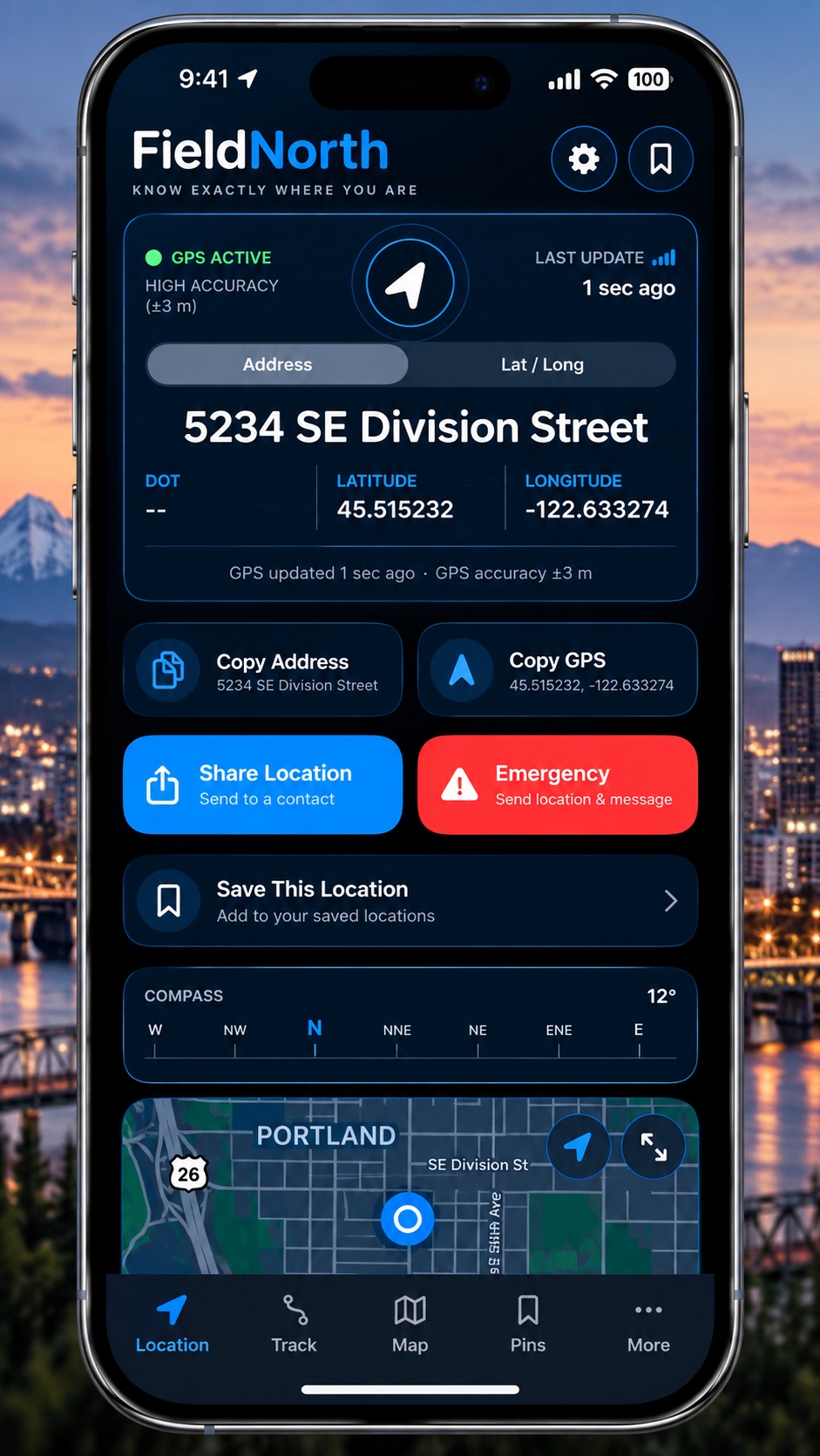 ADDRESS · ROAD · CROSS STREET
Coming in FieldNorth 1.0.7
Version 1.0.7 is being prepared and is not yet released. It adds California postmile support, improves connected-ramp road labels, and reduces the stationary address wait from 30 seconds to about 10 seconds when the existing accuracy and location checks are satisfied.
California users will need to install the app update, then download or update the California pack in the app. The postmile pack is prepared for compatible versions; older app versions keep their existing road pack. Read California coverage and source details →
Know where you are
FieldNorth organizes available location signals into concise information you can understand quickly. Availability and accuracy depend on GPS conditions and installed regional data.
See the best available current address or roadway reference without opening a separate mapping workflow.
Surface real intersecting roads when the available road topology supports a reliable result.
Identify supported highways and nearby mileposts when the installed regional data includes them.
Keep your current heading close to the location information you need to communicate.
Retain latitude and longitude as a precise secondary reference for sharing or verification.
Share current location context or compose an unmistakably labeled emergency location message.
Built for the field
Ever had dispatch, a supervisor, or another unit ask where you are—and you had to stop and open Maps? FieldNorth keeps the useful pieces closer, whether you are on patrol, handling a highway incident, tracking, or working outside familiar streets.
Location within reach
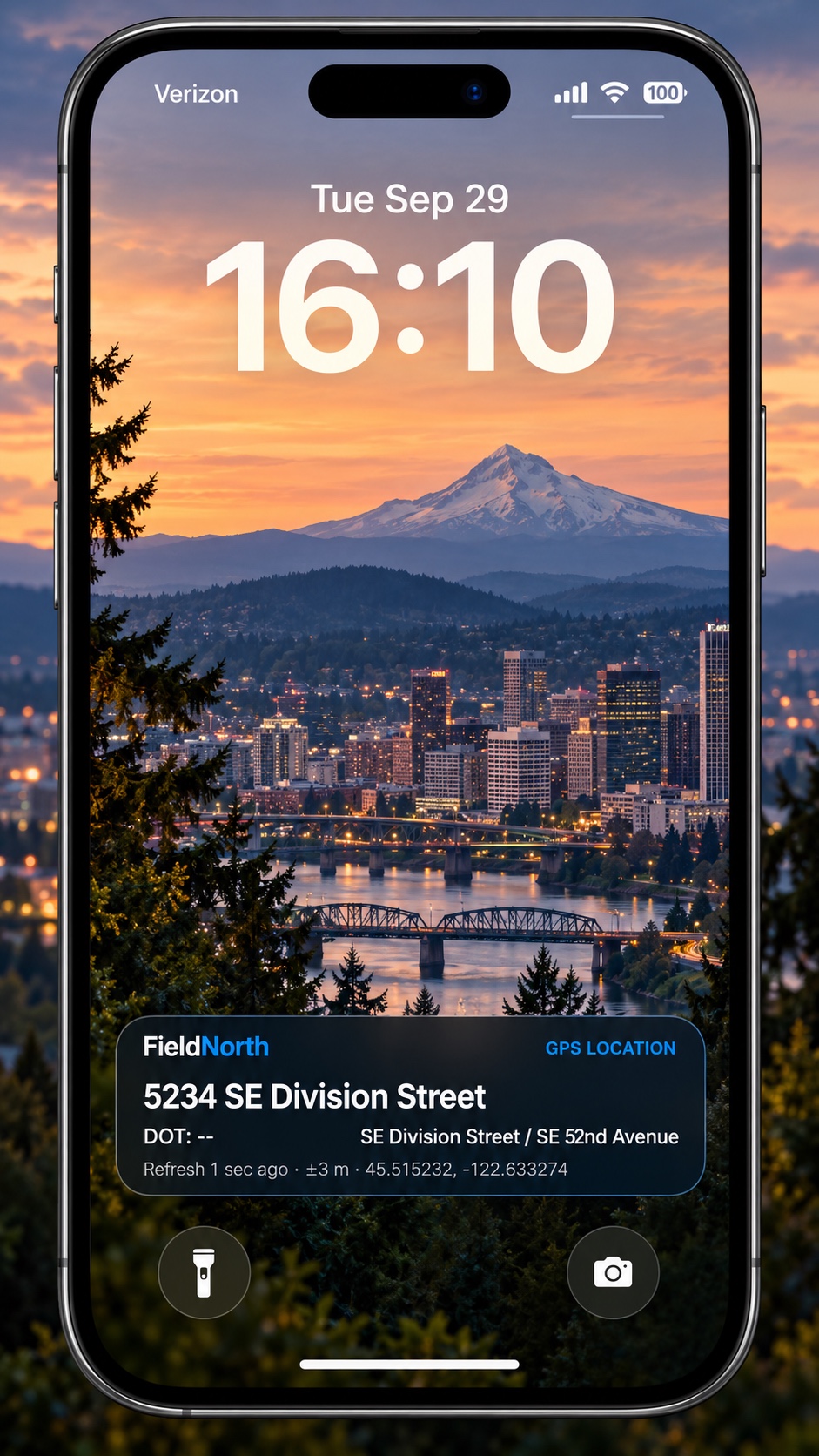
Supported FieldNorth Live Activity experiences can keep useful location information visible without requiring you to navigate through the full app. Glance at an address, cross street, direction, or GPS detail when your hands and attention belong elsewhere.
Track tools
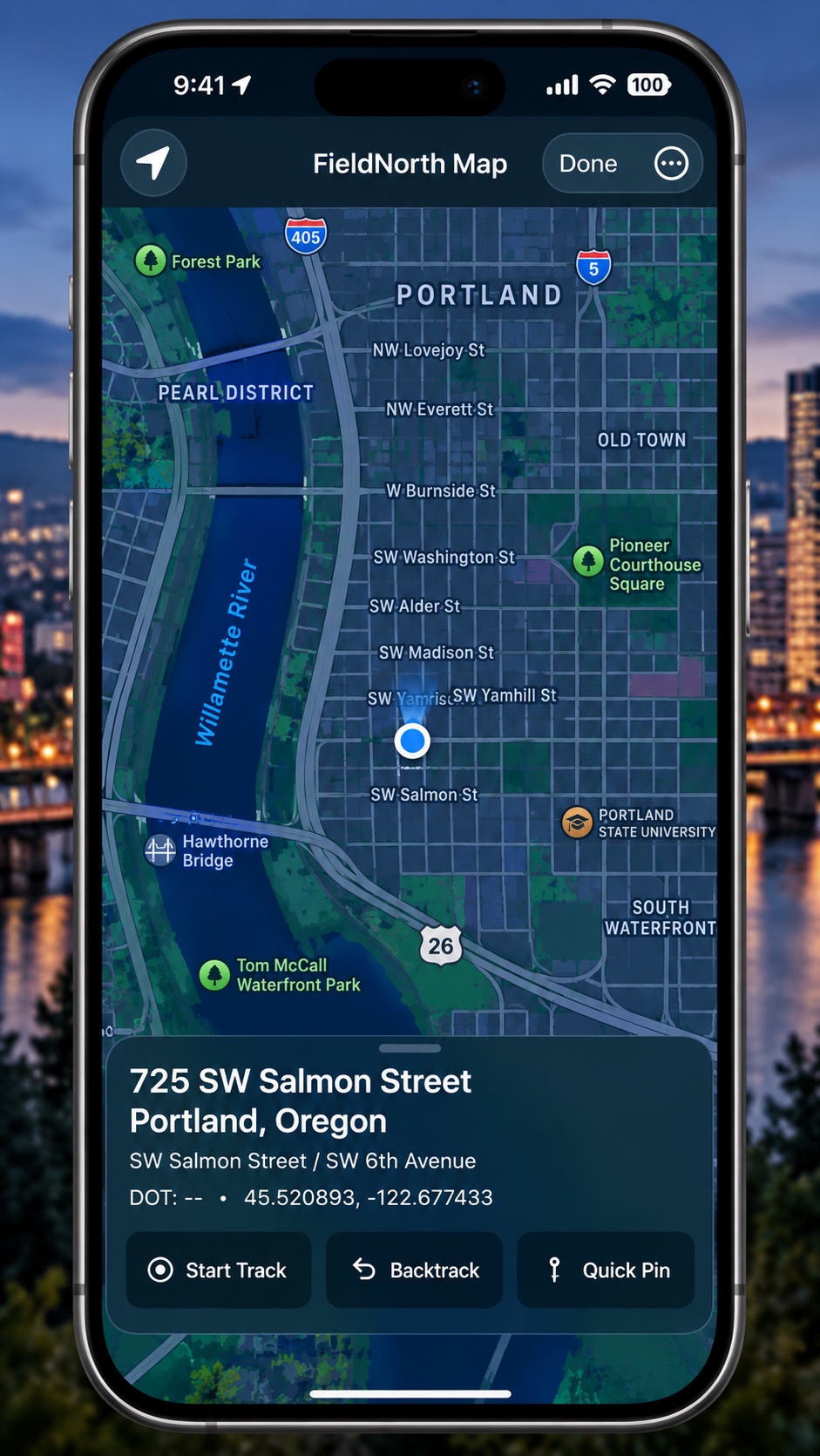
One map, one continuous location history, and focused tools for recording movement, retracing a route, and marking important places.
The route behind you
Track records movement as breadcrumbs. Backtrack helps you understand and retrace the recorded route. Quick Pin marks locations worth keeping—during K9 tracks, searches, hikes, hunts, field work, and outdoor exploration.
Offline-first regional architecture
Downloaded regional packs can support on-device road matching without continuous cellular service. Coverage and pack capabilities vary by region; online services and some FieldNorth features may still require a connection.
Apple ecosystem
FieldNorth is designed for iPhone, supported Lock Screen experiences, and a paired Apple Watch. Initial Watch setup and subscription access require the iPhone app. Previously synchronized Watch access can continue within its bounded offline period; reconnect to refresh membership. Standalone Watch regional-pack synchronization is not represented as a nationwide offline feature.
Check paired location information without reaching for the phone.
Keep supported live location information available at a glance.
Chat-enabled test builds
These features are being tested and are not a promise of availability in the current public App Store version. Some improvements remain in local development.
Start a direct conversation with a known FieldNorth ID, or use invitations for private groups. Set local contact nicknames and copy or share your own ID.
Use the camera QR scanner or import a QR image when adding a contact. Camera access is requested only when you choose Scan QR Code; manual ID entry remains available.
Preview a one-time location pin, available intersection context and capture time before selecting Send. The recipient can open the pin on FieldNorth’s map. It is not live tracking; map detail depends on available coverage.
We’re developing optional live location sharing with a selected contact or existing private group. Planned controls include sharing for one hour, 24 hours, or until you stop, with shared locations on the main map and mini map and a people list for quickly centering the map. This feature is not yet available in the public app.
Confirm the intended recipients before sharing. Use chat controls to block or unblock a contact, or report selected content after reviewing what will be disclosed. Reports and official FieldNorth Admin outcomes do not require your email account.
In updated test candidates, Sent means the service accepted the encrypted message; Delivered requires recipient persistence acknowledgment. Neither means the message was read. An offline or unconfirmed send stays pending. Notifications are optional and may be affected by iOS permissions, Focus, network availability or background behavior.
Ordinary chat messages use end-to-end encryption and temporary delivery storage, not a server conversation archive. Selected reports have separate moderation retention. Read the test-build privacy disclosure and Terms of Use. For help, contact Support@fieldnorth.app.
For app assistance, privacy requests, or account help, contact FieldNorth support. Test-build chat users can also report abuse or request privacy assistance through support. See the chat testing disclosure; this is not an announcement of public chat availability. Do not send emergency requests through support; use local emergency services, dispatch, or your established emergency procedure.